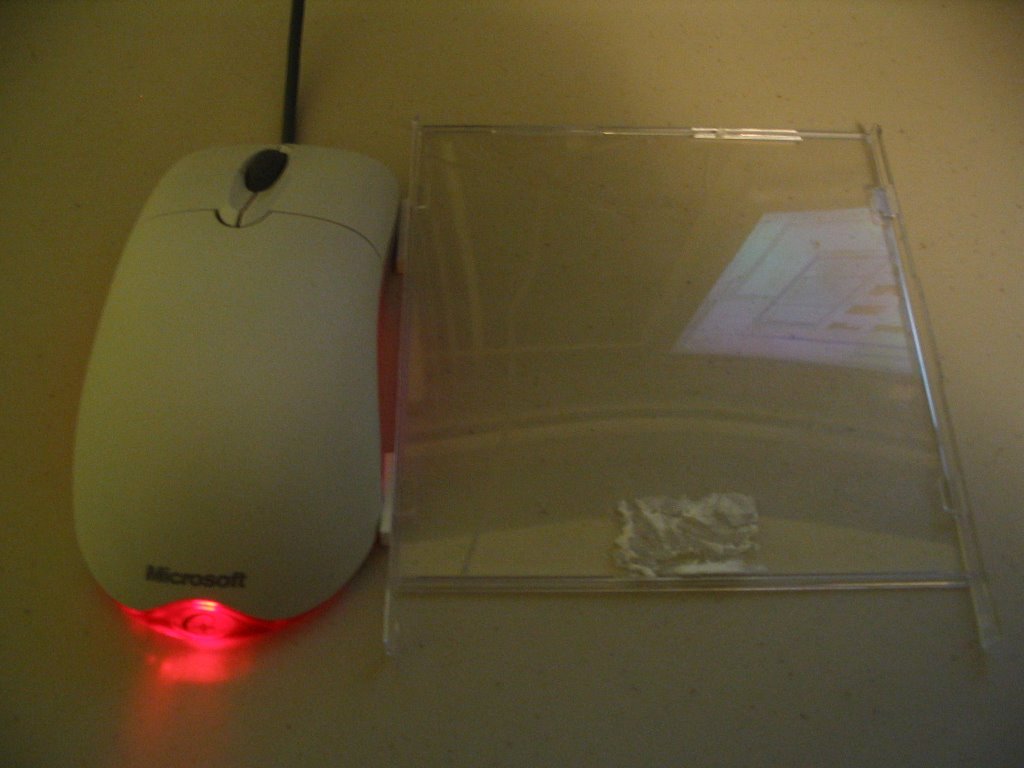
You'll need a regular mouse, a CD case, and some tape (or better yet, double-sided tape). Begin by unhinging the transparent portion of the CD case. Then affix it to the side of the mouse with tape:
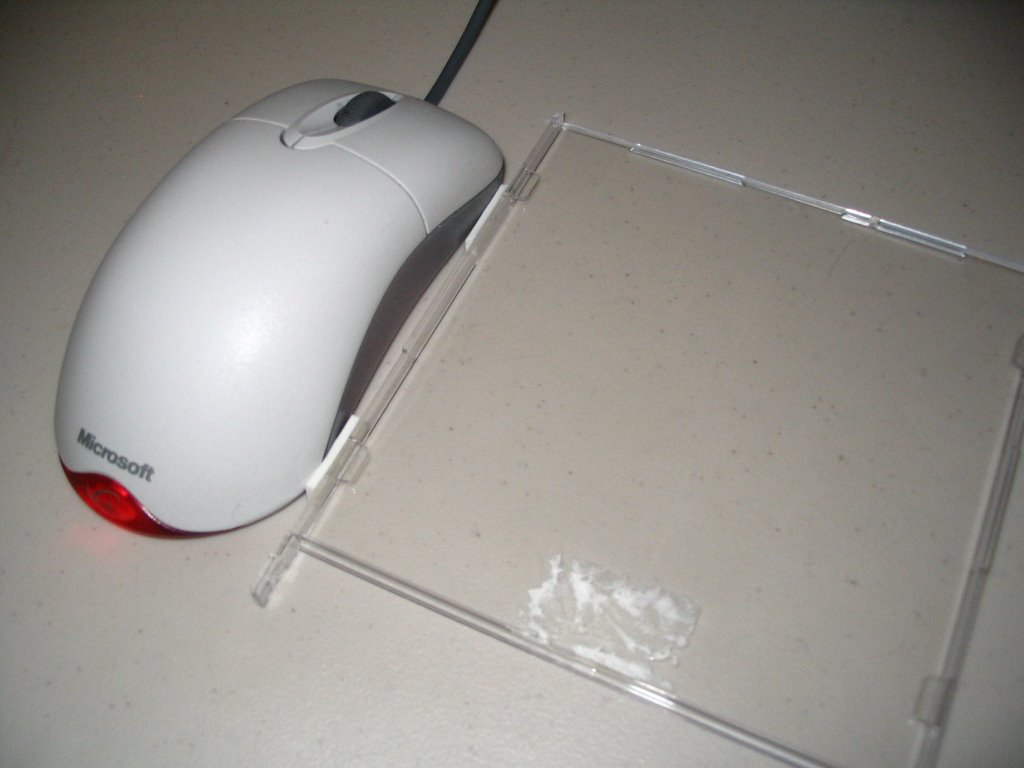
To operate the GlassMouse, simply rest your fingers on its transparent panel and glide the GlassMouse in any direction. The GlassMouse supports a wide variety of finger positions - you can operate it with two fingers, an open palm, a closed fist - even with the back of your hand:
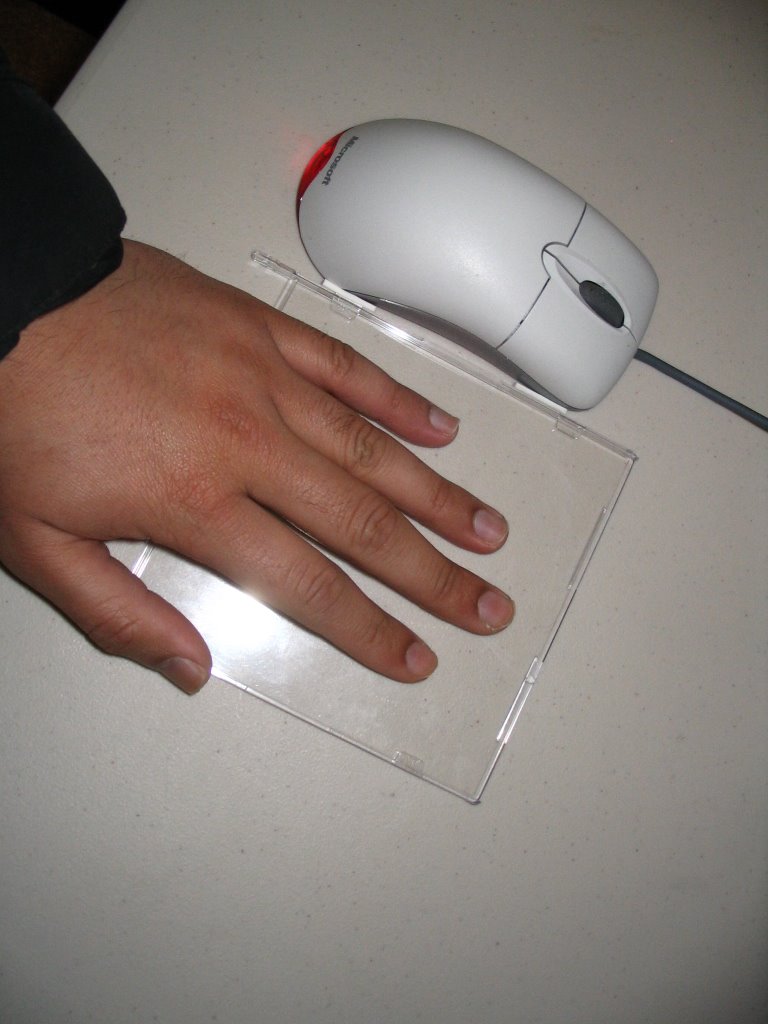

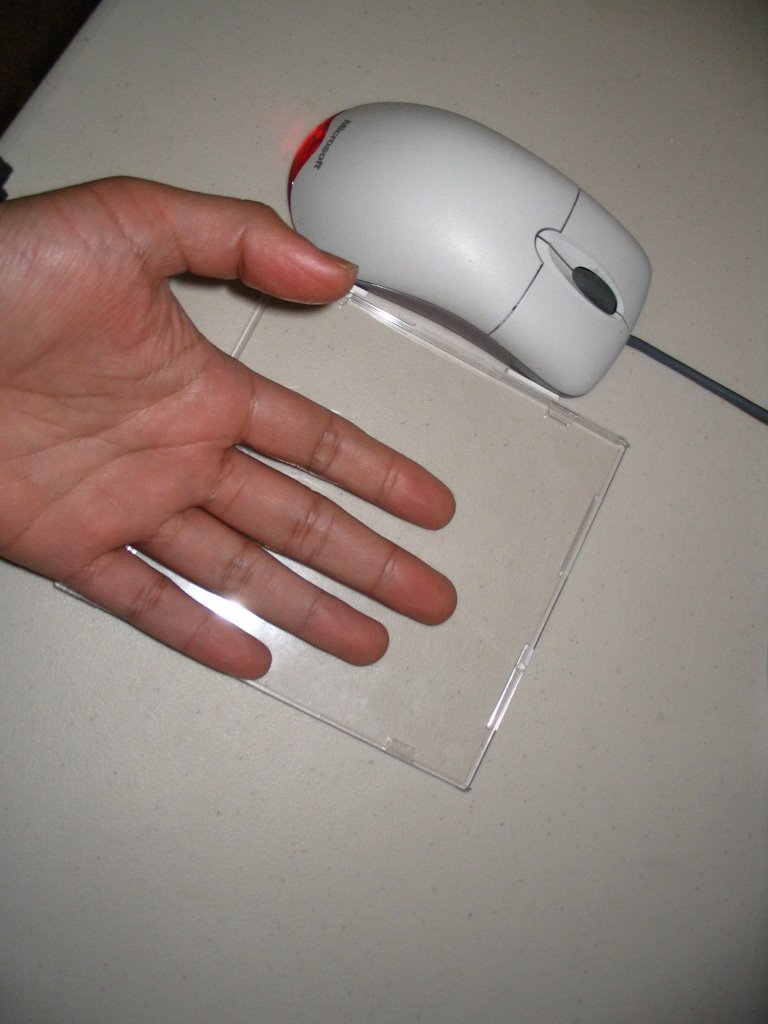

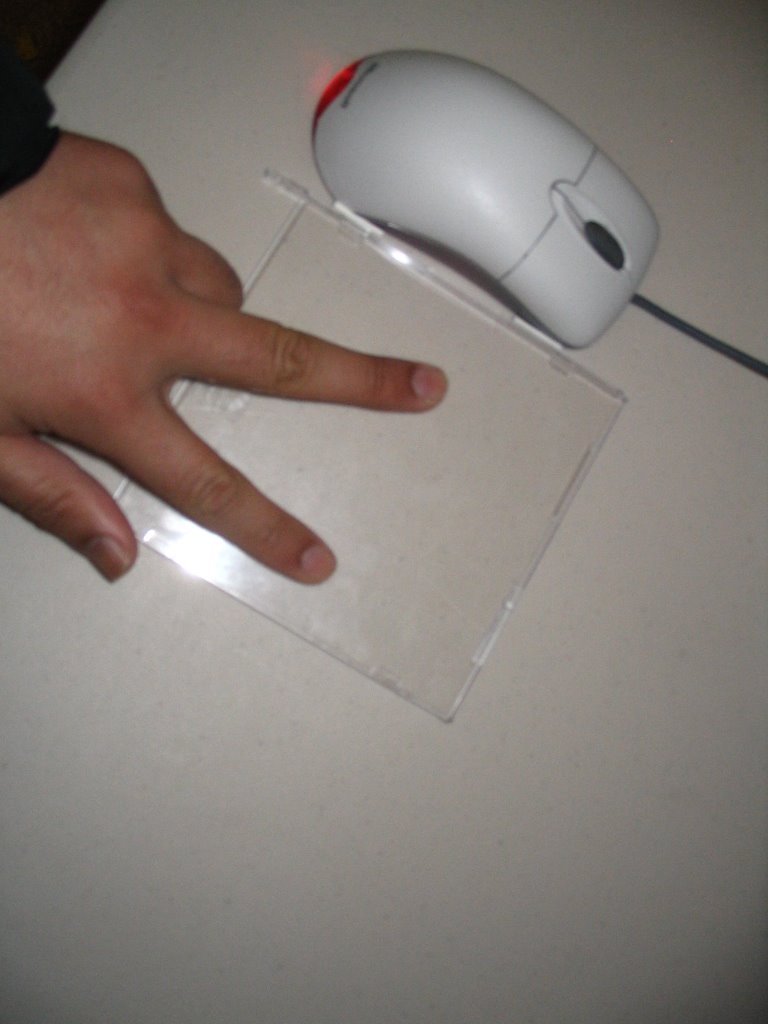
The great thing about the GlassMouse is that it avoids pronation - the unhealthy upward bending of the wrist that happens with most mice and trackballs. With the GlassMouse, you have total freedom to control the mouse using the hand position that's most comfortable to you.
Am I missing something? You would have to reach over to click. Or is it a joke?
ReplyDeleteHi OpenJoe - To click I use auto-clicking software (automatically clicks when I stop moving the mouse). Examples: MouseTool (free), Quill Nib ($75), RSIGuard ($50).
ReplyDeleteFor variety, I alternate between the GlassMouse and a right-handed Logitech thumb-trackball at my left hand (so I control the trackball with my fingers rather than my thumb).
I can already imagine a number of aesthetic and usable graphic elements that could be fixed to the GlassMouse: your favourite album jacket, custom patterns, diagram of various finger and hand positions.
ReplyDeleteHeh - I'm not sure if Jeff is being serious or playful :-)
ReplyDelete